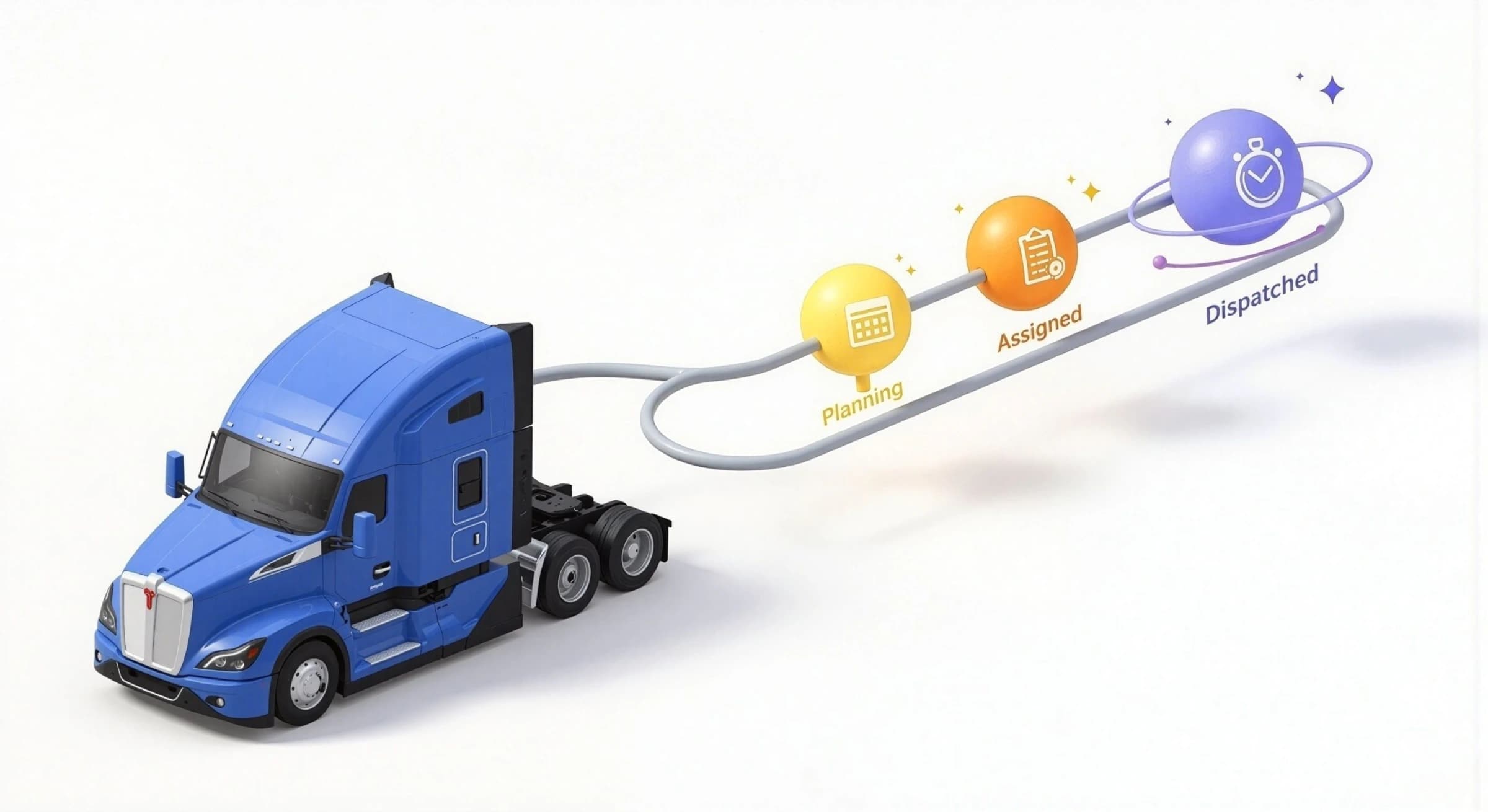
Let’s say you’ve preassigned 3 loads to a driver - but only want them to see one at a time. Now, with “Dispatched” as a separate step after “Assigned,” you decide when it becomes visible.
What’s new?
- Adds a new “Dispatched” status after “Assigned”
- Driver only sees the load once it's marked Dispatched
- Assignment alone no longer pushes to driver app
Impact
- Prevents driver confusion with too many early notifications
- Helps dispatchers pre-plan with less back-and-forth
- Ideal for drop/relay, high-volume, or preplanned freight
How to use
Enable company-wide in Settings → Status Config.
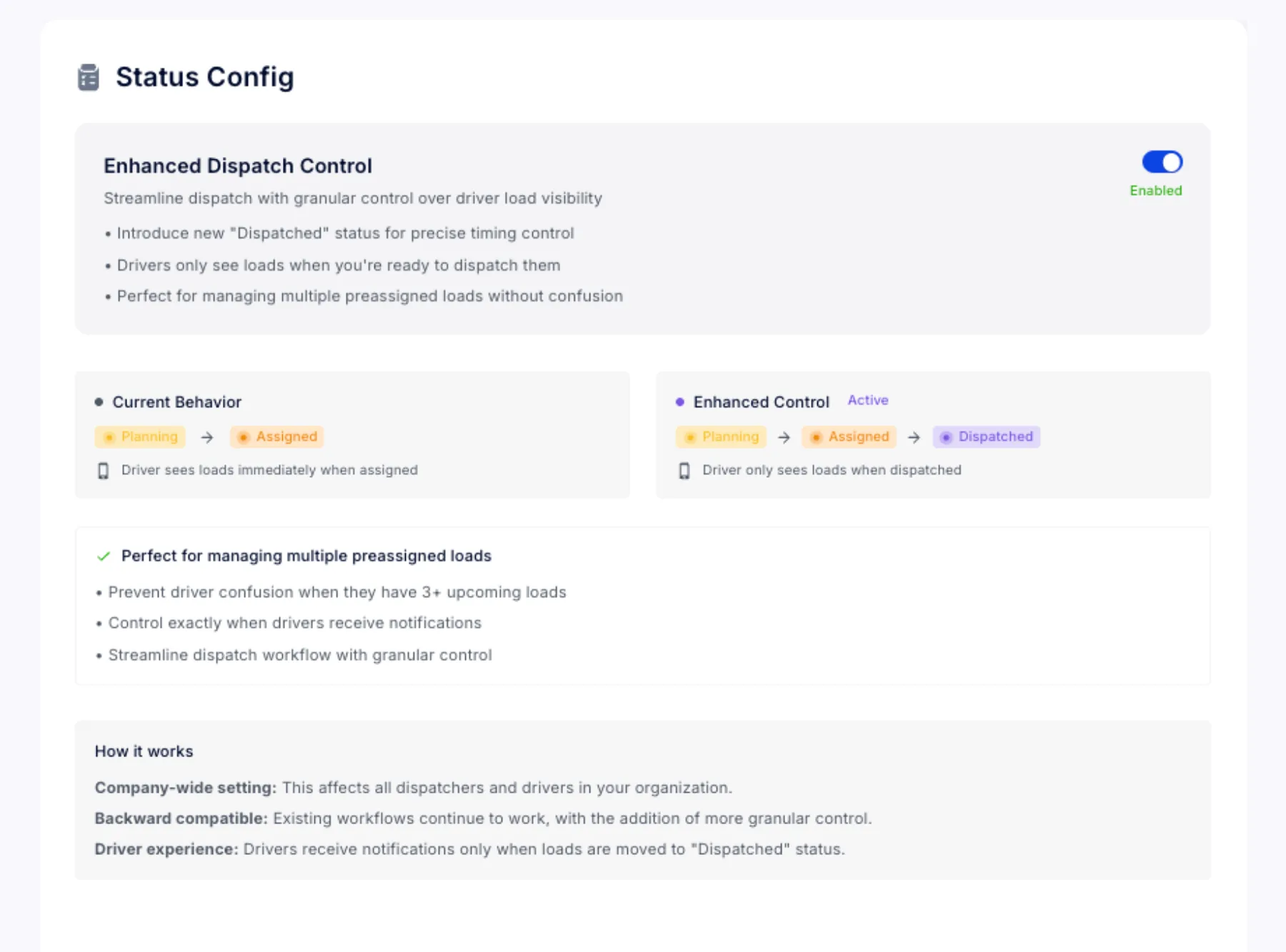
Switch manifests to “Dispatched” when ready to notify.
Next steps
Explore this setting in Status Config