AI prepares load entry, tachograph data supports tracking, and driver documents stay attached to the trip. Your dispatchers keep control of the board and plan the next move.
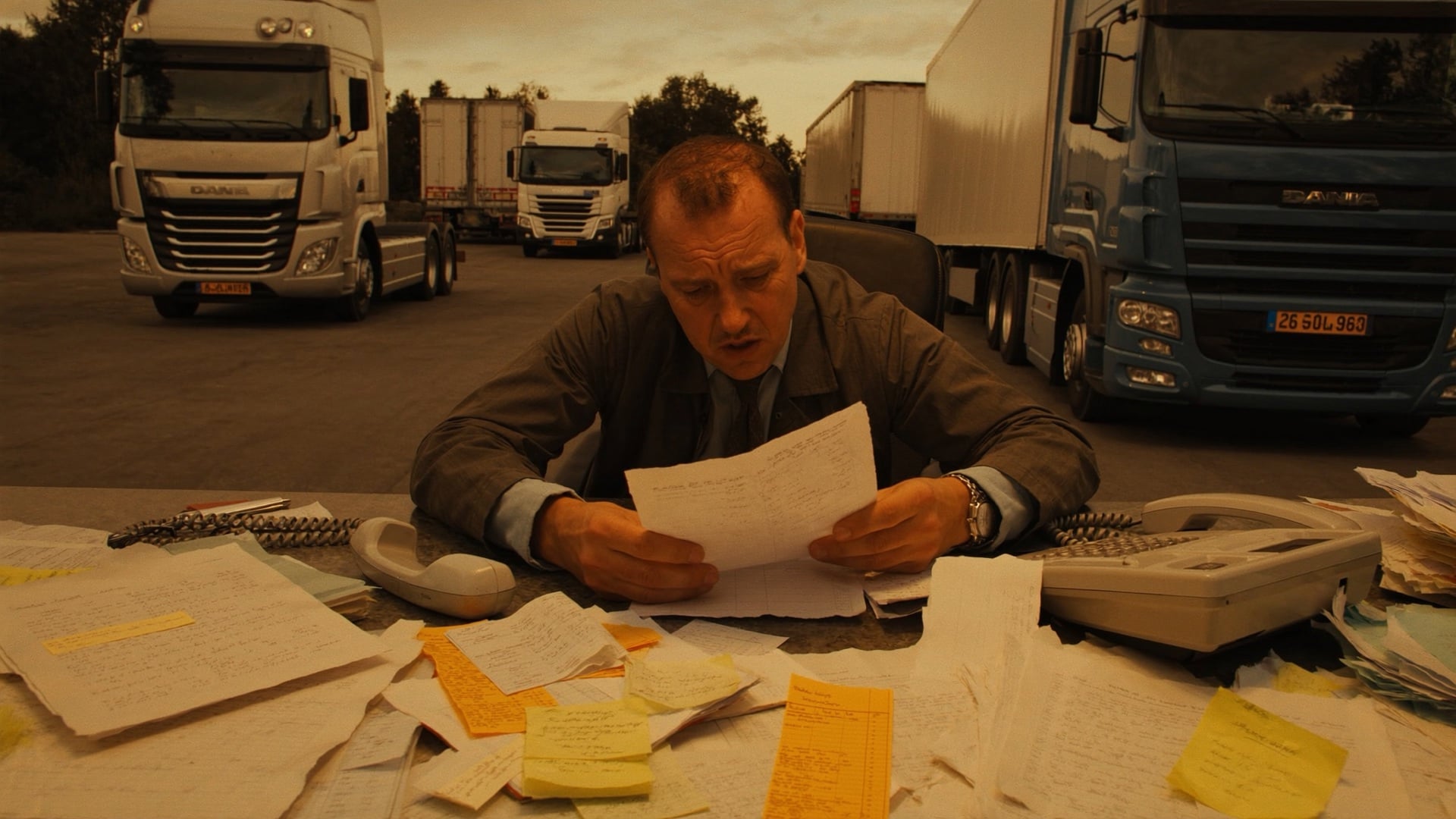
Every transport order still needs to be typed in. The check calls still need to be made.
Re-typing transport orders, chasing check calls, and guessing who is open eat the day before a single truck rolls. None of it is the work a dispatcher is actually good at.
Origin, destination, rate, commodity, stops, special instructions. Keyed in one field at a time, load after load, before the truck even moves.
Calling drivers for a location. Calling trading partners with an update. Calling back when the ETA slips. Hours of the day gone to status nobody wrote down.
Availability lives across a spreadsheet, a whiteboard, and a group text. No single board shows what is covered, what is empty, and what is running late.
From transport order intake to driver paperwork, AI prepares fields and flags exceptions so the dispatcher can focus on planning the fleet.
Transport order, customer contract, PDF, photo of a fax. Doesn't matter. Drop it anywhere and the load is built before you finish your coffee. Origin, destination, rate, commodity, stops, special instructions, all read and verified. One click to confirm, and you are back to planning the next run.
TransportOrder_Benelux.pdf
2 pages · 184 KB
Every truck, every load, one timeline. The board you plan on. Drag a load onto an open slot and it updates instantly. No refresh, no spreadsheet tab-switching, no guessing who is available. Color-coded blocks show what is covered, what is empty, and what is running late, so the next assignment is an easy call.
Auto-Track reads tachograph GPS to check drivers in and out of facilities, calculates live ETAs, and sends trading partner updates on your schedule. The check calls that used to eat hours of phone time post themselves now, and that time goes straight back to planning freight.
Auto-Track Auto-Updates
Watching tachograph GPS
Entered pickup geofence
Rotterdam
Departed facility
Rotterdam
Trading partner notified
en route update sent
ETA updated
Duisburg · 4u 22m
Entering delivery geofence
ETA 14:45
Give trading partners and customers a branded tracking page they can open without logging in. Live map, real-time ETA, status timeline, and document access, all under your company name. Fewer "where's my truck?" calls interrupting the dispatcher, more time on the board.
Carrier workspace
Shipment VK-4892
Origin
Rotterdam
Picked up 08:02
Destination
Duisburg
ETA 14:45
Live link, no login. Shared with the customer.
Drivers open the app to review the active load, confirm the assignment, open navigation, and scan a CMR straight into the trip. Load details and documents stay focused on the work in front of them.
One load, start to finish, without a dispatcher touching the busywork. That is the day back.
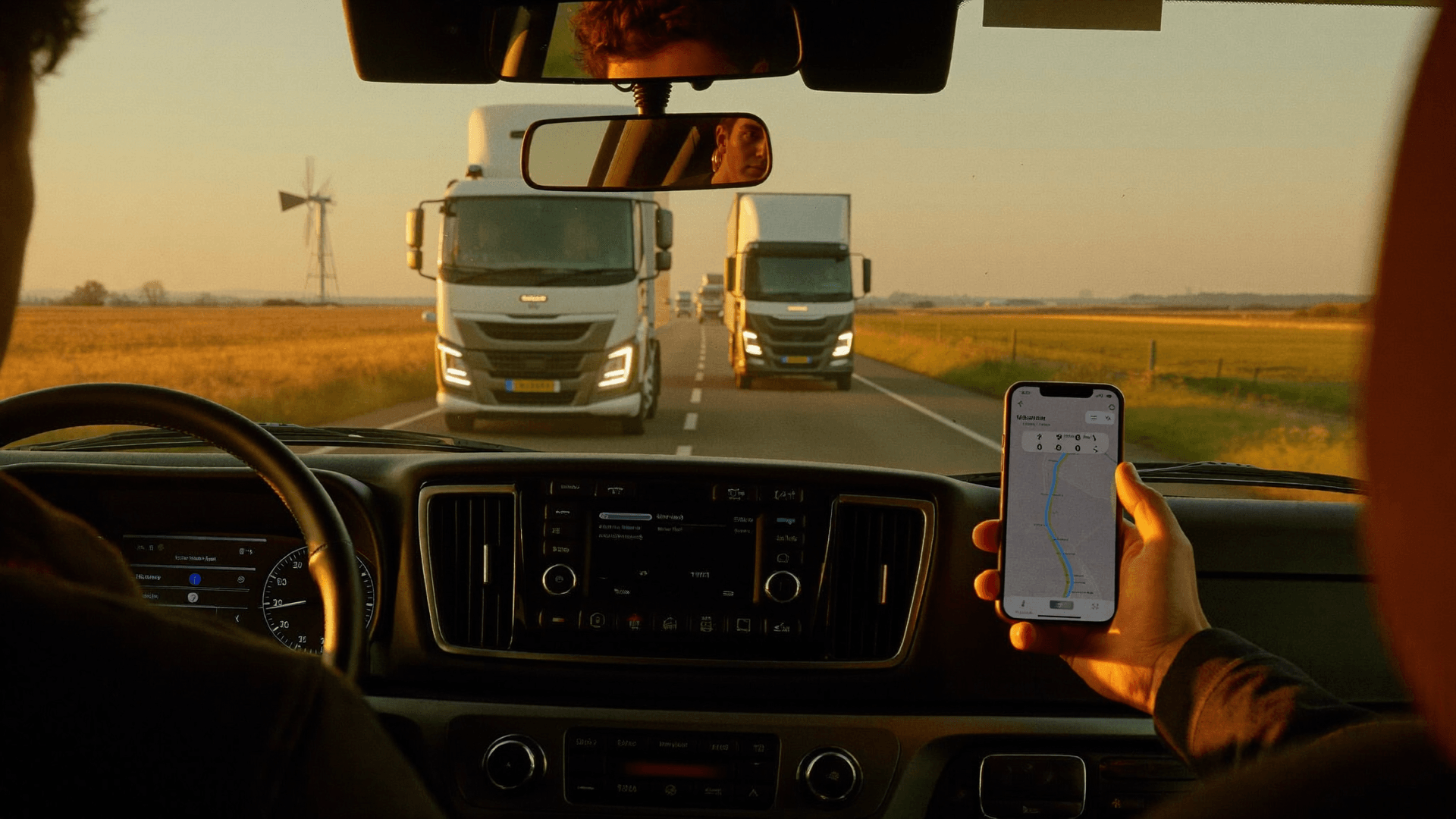
From the moment the load is dispatched, the driver app handles confirmation, scanning, and status. The dispatcher stays on the board.
The dispatcher still makes the call. QTMS just ranks every available driver by proximity, remaining drive time, and equipment first, so the right match is at the top instead of buried in a list.
AI ranks available drivers by proximity to pickup. Less empty running, faster coverage, lower cost per km.
Only surfaces drivers with enough hours to complete the run legally. No manual log checks, no compliance surprises.
Reefer, flatbed, ADR licence: the system filters before you see a single suggestion. No mismatches.
Ranked by proximity, hours, and equipment. You make the call.
The five workflows above are the headline. Here is the full surface area, every piece of busywork handled in one seat, so the planning gets the hours.
Drop a transport order, PDF, or photo. AI prepares the load record and flags uncertain fields for review.
Every truck and load on one Gantt timeline. Drag a load onto an open slot and the board updates instantly.
Auto-Track reads tachograph GPS to check drivers in and out and update trading partners, so the phone stays down.
A live tracking page under your name that trading partners and customers open without logging in.
Phone-number login, one-tap confirm, camera CMR scan. No passwords, no training.
Ranked by proximity, available hours, and equipment, so the right driver surfaces first.
Webfleet, Frotcom, and FleetGO data can flow into the board and tracking pages.
Edge-case loads are recognized and built correctly at intake, not flagged later.
CMR, POD, and transport order for every load in one place, attached to the trip automatically.
ETAs recalculate as the truck moves, with alerts the moment a run starts to slip.
Driving-hours violations, equipment mismatches, and overlapping pickups are flagged in real time.
Prepare status updates on the cadence configured for each trading partner, with exceptions kept visible to the team.
One login. Every job above tied to the same load record.
Webfleet, Frotcom, and FleetGO connect telematics data to the schedule board and tracking pages, alongside links to European freight exchanges.
Ecosystem
Dispatch & Tracking works hand in hand with every other product in the platform.
FAQ
What carriers ask before switching to QTMS Dispatch.
AI prepares the busywork. Your dispatch team makes the decisions.
Get started
AI-assisted load entry. Suggested status updates. One board for your dispatch team. Book a carrier dispatch demo.