
Every Active Load. In the Driver's Pocket
Open the assignment, follow truck-aware navigation, share trip updates, and capture CMR or eCMR documents from one mobile workspace.


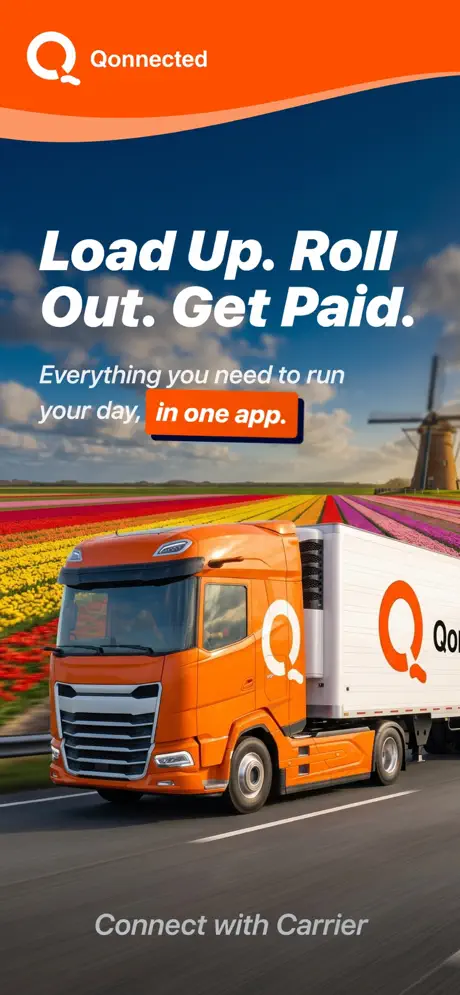
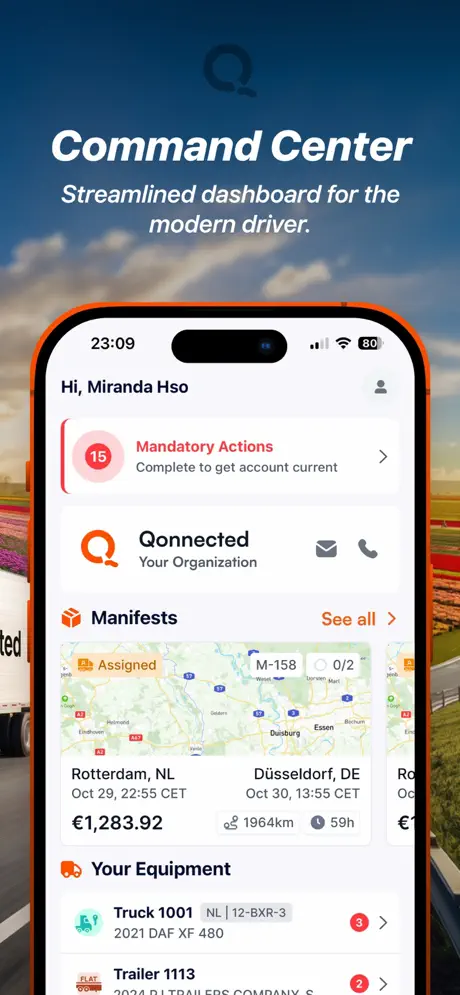
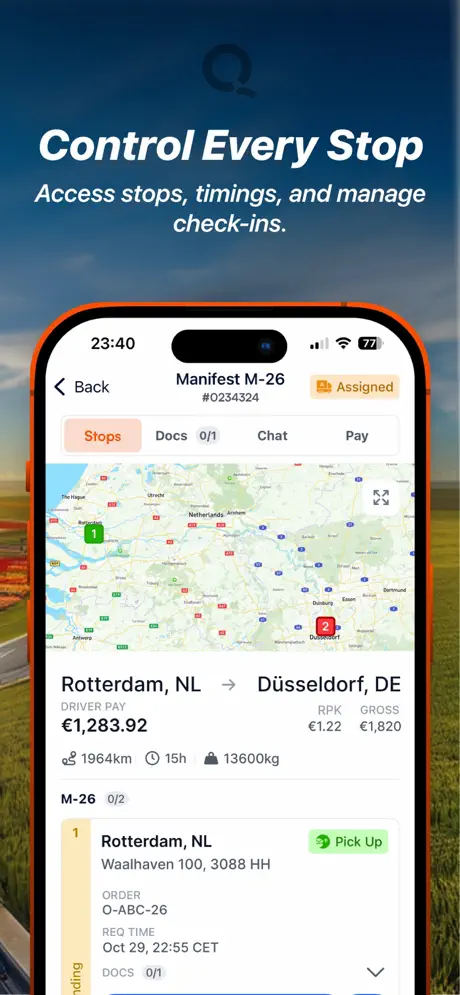
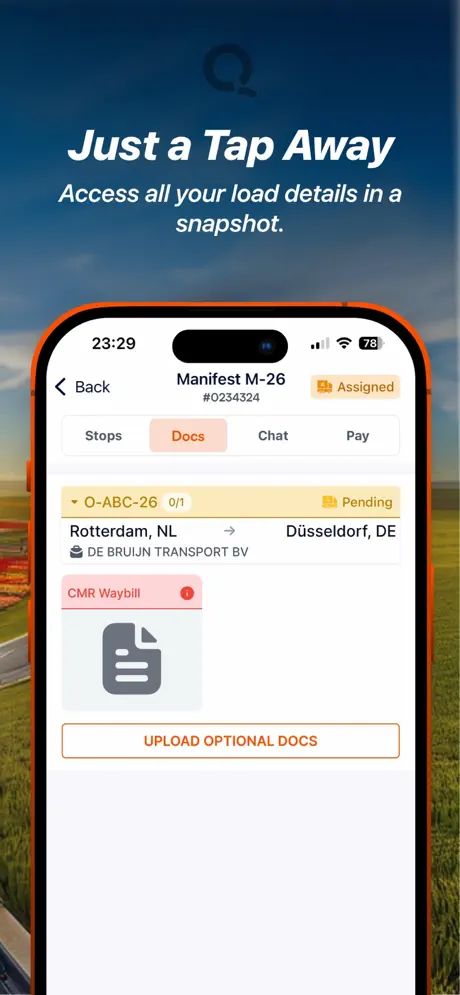
Driver Empowerment
The active load. Ready on the road
Navigation, load details, dispatch updates, and CMR or eCMR capture stay together in one driver workflow.
Driver Workspace
Four tools for the active trip
Load details, navigation, road updates, and documents stay connected from dispatch to delivery.
Driver Documents
Documents
Driver documents and CMR capture
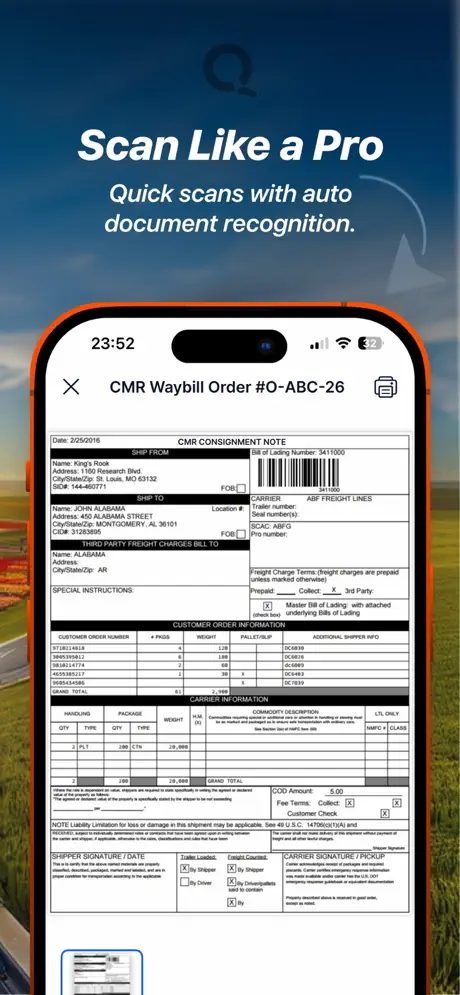
Submit driving documents and capture CMR, eCMR, POD, or handling records from the app for office review.
Active Load
Pickup
Delivery
Load Management
The next assignment, clearly presented
Review origin, destination, equipment, references, and instructions before confirming the load.
Truck-Aware Route
Mobile Navigation
Truck-aware route from the load record
Open the route with the vehicle profile, commercial restrictions, and delivery stops already connected.
Live Tracking
LiveVISIBILITY
Real-time trip updates
Status events, location, ETA, messages, and photos keep dispatch aligned with the active trip.
How It Works
From assignment to CMR, one connected trip
The driver and dispatch share the same load record from the first instruction to the final document.
Receive the Load
The driver reviews pickup, delivery, references, equipment, and special instructions, then confirms the assignment.
Open the Route
Truck-aware navigation uses the vehicle profile and assigned stops while dispatch keeps the full fleet view.
Share Trip Events
Arrival, loading, departure, delay, and delivery updates stay connected to the active load.
Capture the CMR
The driver photographs CMR, eCMR, POD, and handling documents for the office to review against the transport order.
Driver App
QTMS Driver, ready for iOS and Android
Connect each driver to the same loads, routes, updates, and documents your office uses in QTMS.
On the App Store and Google Play, built for drivers
Driver and Dispatch Alignment
Fewer gaps between the cab and the planning desk
Each trip event stays connected to the load record, so drivers and dispatch work from the same information.
Frequently Asked Questions
Questions about the driver app
Ecosystem
Part of QTMS Carrier TMS
Driver App works hand in hand with every other product in the platform.


QTMS Driver App
Give every driver one clear trip workflow.
from assignment to CMR.
Download QTMS Driver for iOS or Android and connect it to your carrier operation.