

At a glance
- Scanned image documents can be zoomed, panned and opened fullscreen in document and invoice previews, like PDFs.
- Archiving a payee blocked by Pending or In batch payouts now explains why and lists those payouts.
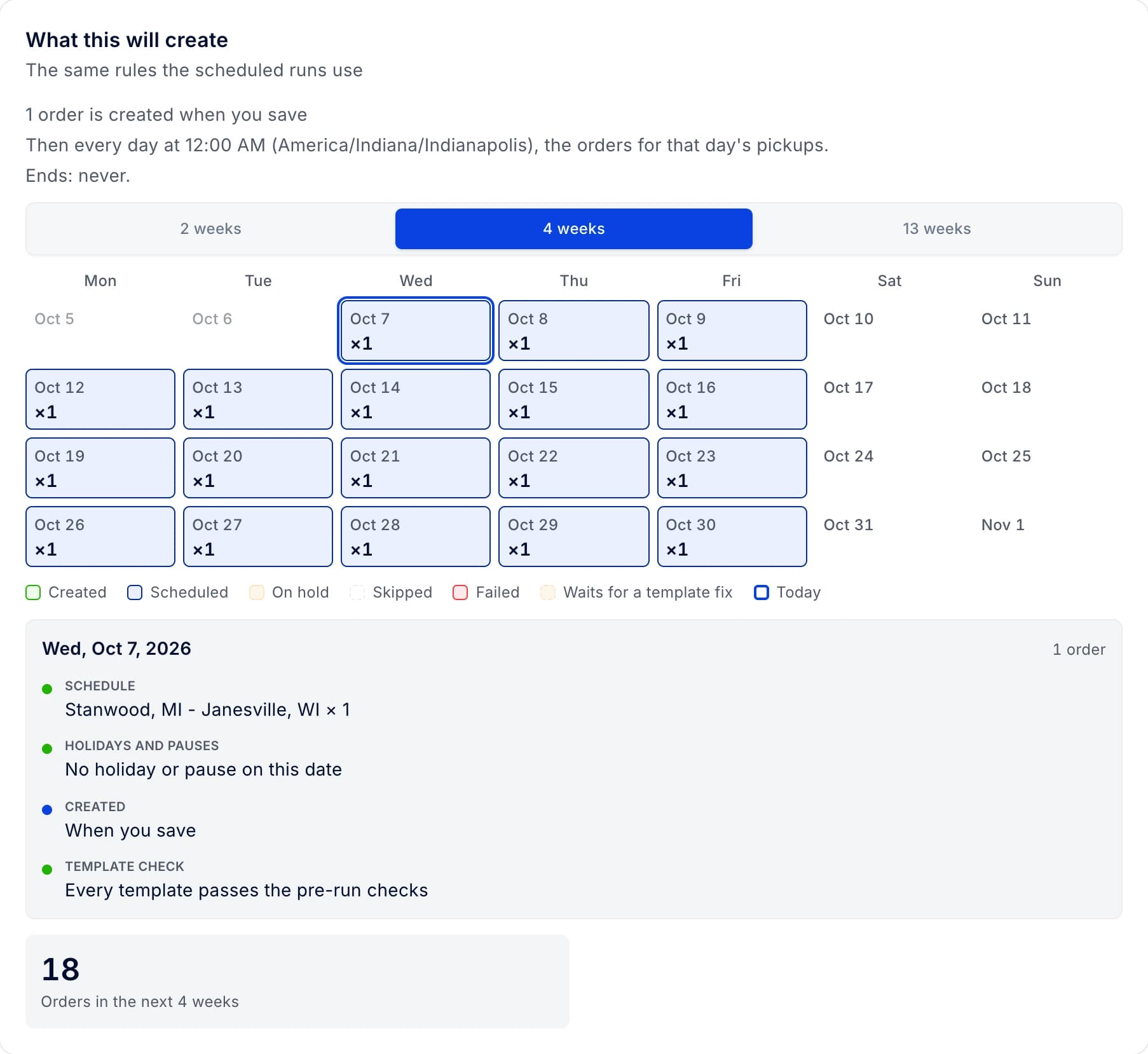
- Planning → Schedules opens faster and keeps your day, filters, sort and search when you come back.
- Send rate confirmation works again for carriers Highway marked Can operate or Needs review.
- In New Order, stop dates you type over a template are kept, and overnight windows are accepted.
Improvements 3
Archiving a payee blocked by Pending or In batch payouts now explains why and lists those payouts.
- Why we changed it
- Before, archiving showed only the message "the payee has payouts that are not settled yet". The new window explains how to pay new bank details meanwhile: add a new payee and set it as primary. Each listed payout opens Edit payout, where it can be moved or canceled.
Scanned image documents can be zoomed in the document preview and invoice preview, just like PDFs.
- Why we changed it
- Images get zoom buttons, fit width, fit page and actual size, drag to pan and fullscreen. The document preview opens from order document cards, note attachments, the carrier rate confirmation and the settlement "Open document" button.
Walkthrough videos in What's new play right inside the post.
- Why we changed it
- The release popup and the sign-in "Latest Update" play them the same way.
Fixes 16
In New Order, stop dates you type over a template are kept.
- Why we changed it
- Overnight windows that overlap the previous stop are accepted without a warning. A stop that really starts before the previous one is saved and marked red for review.
Planning → Schedules keeps the day you picked when you leave the page and come back, even after the page reloads.
- Why we changed it
- Status, truck and driver filters, sort and search come back as well.
Planning → Schedules opens faster and shows a loader instead of "No schedules" while your schedules load.
- Why we changed it
- The selected schedule's panel shows a loader until its own manifests arrive. It no longer shows the manifests of the previously selected schedule.
Filtering the Drivers list by Termination Date works, and the column sorts by date.
Edit Order shows the broker's MC and DOT under its name, in the field and in the broker picker.
- Why we changed it
- Before, a long broker name hid the MC# on one truncated line.
Filters with two clients, customers or drivers of the same name highlight only the one you point at.
The role list in Invite Team Member is in alphabetical order.
- Why we changed it
- The add and edit user windows sort roles the same way.
Correcting a contact's email no longer gets stuck on a formatted phone number, and invalid contact fields explain what needs fixing.
On the tender accept page, a closed session is replaced with a new one from the link and the tender loads again.
On the tender accept page, typing a truck number fills its trailer and drivers again.
The Edit Service Log form shows its field labels in full again, and all its section headings and icons match.
On a carrier's profile, the tab bar scrolls on smaller screens, so every tab, Tenders included, can be reached.
Picking five stars in a feedback form shows all five.
Send rate confirmation works again for carriers Highway marked Can operate or Needs review.
- Why we changed it
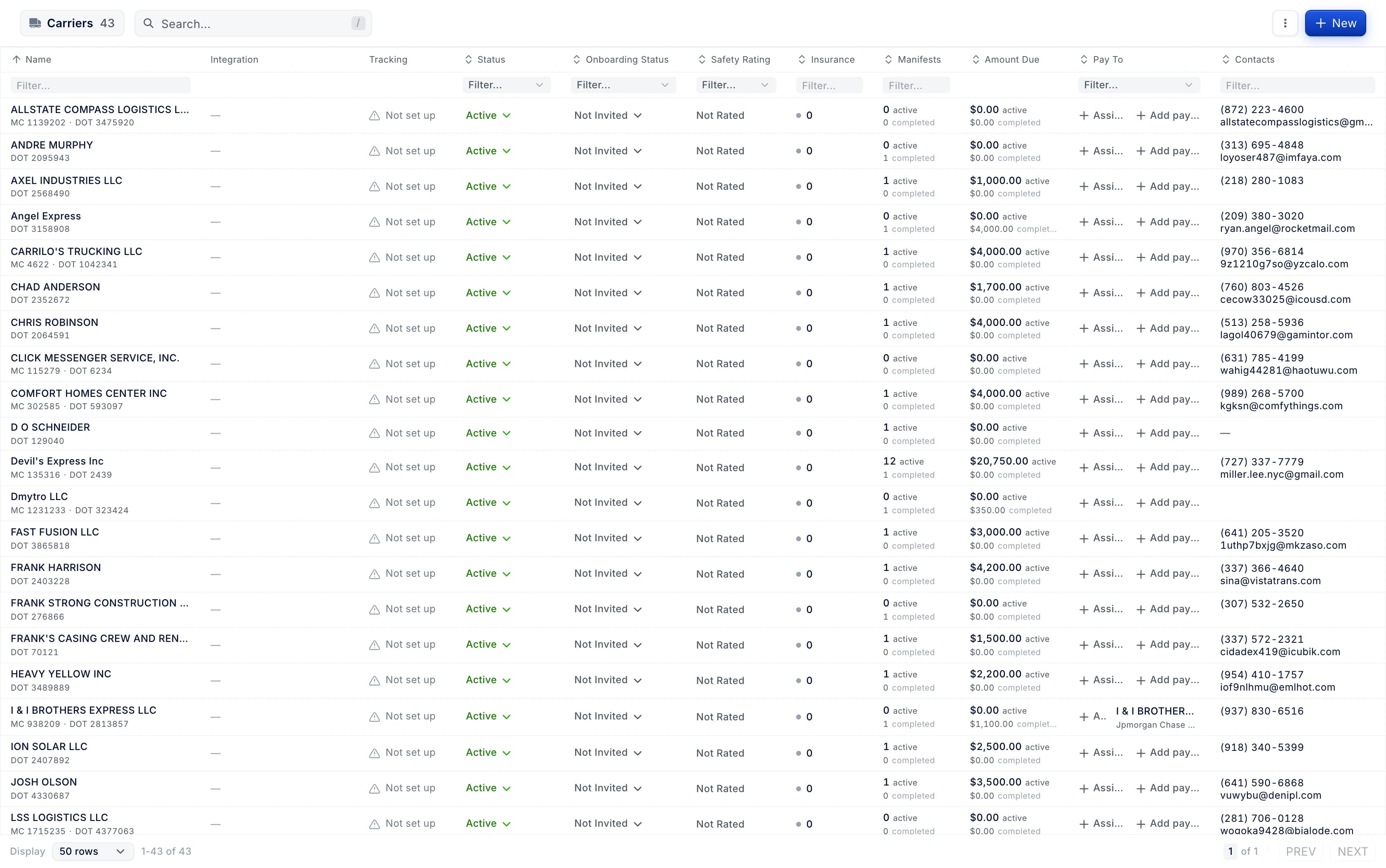
- Before, clicking Send opened the carrier's W-9 instead. The carriers list shows where each carrier came from: Highway or My Carrier Packets.
Searching orders or billing for a pasted date, time or link no longer fails.
The confirmation for archiving a driver's payee no longer says it removes the payee from a vendor.